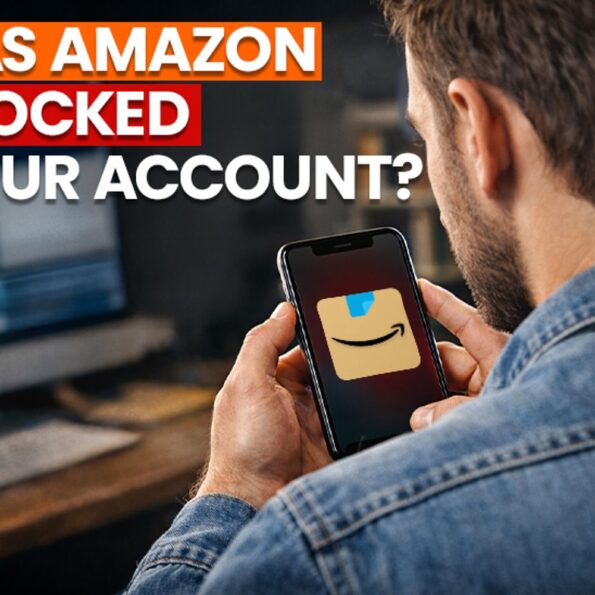
Shopping on Amazon feels effortless. Click, order, return if needed, simple. But that convenience comes with rules. Recently, Amazon has started tightening its policies, and some users are finding their accounts restricted or even blocked. The surprising part is that it’s not always because of fraud. Sometimes, everyday shopping habits can trigger Amazon’s systems. Here’s a simple breakdown of what’s happening, why Amazon is doing this, what mistakes to avoid, and how you can unrestrict your account if it gets blocked. Why Amazon is blocking some accounts Amazon has millions of users, and returns are a big part of online shopping. But returns are expensive for the company. Each return involves delivery costs, inspections, repackaging, and sometimes losses for sellers. Over time, excessive or unusual return behaviour increases costs and affects the entire marketplace. To control this, Amazon closely tracks customer activity and has started taking stricter action against accounts that show repeated policy violations, even if each order looks “normal.” What mistakes has Amazon pointed out? Amazon flags accounts that show unusual shopping behaviour over time, not just one order. Some common actions that can raise red flags include: Even if a return is genuine, a high return rate compared to total orders can still trigger a review.
Also read: Epstein files back again, with tech’s biggest names in spotlight, Bill Gates and Elon Musk among the figures
What happens if Amazon blocks your account? If warnings are ignored or issues continue, Amazon may take actions such as limiting return or refund privileges, cancelling orders automatically, or fully blocking the account.
A blocked account may also lead to loss of access to Amazon Pay balance, gift cards, Prime membership, and other services. In some cases, recovery can take time. How to unlock or restore a blocked Amazon account If your Amazon account is restricted, there are steps you can take: 1. Check emails from Amazon
Look for any message about account verification, policy issues, or required action.
2. Contact Amazon Customer Support
– Go to Help > Contact Us
– Choose Account Login Issues
– Request to speak to a support executive
3. Verify identity or payment details
Amazon may ask for ID proof, billing address confirmation, a card, or bank verification.
4. Reply to Amazon’s official email (if received)
If Amazon sent an email about account restriction, reply from the same registered email ID.
5. Wait for review
Account reviews usually take 24–72 hours, but sometimes longer. 6. Contact Amazon Customer Service
Call at 1-888-280-4331 (or 1-800-388-5512) for assistance with the review process. Also read: Before you install privacy tempered glass, know these things
Important thing to remember Do not create a new Amazon account using the same phone number, address, or payment method. This can make the situation worse and may lead to a permanent block.
Amazon isn’t trying to punish regular users, but it is cracking down on behaviour that increases costs and hurts sellers. Shopping responsibly, avoiding unnecessary returns, and keeping your account details clean can help you stay safe.