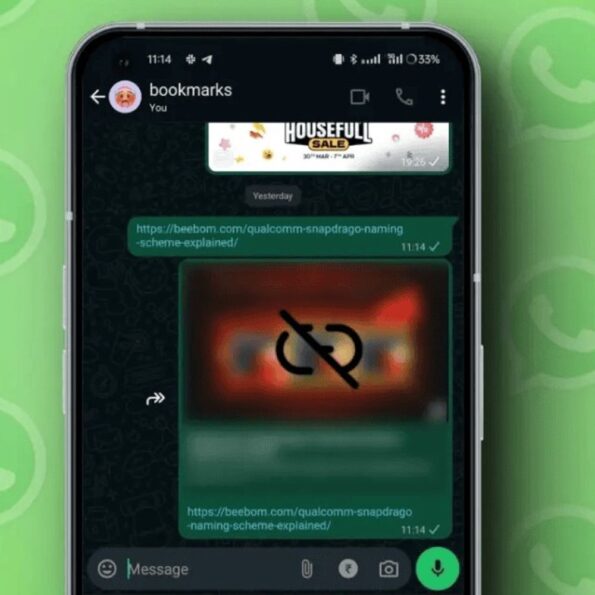
If you use WhatsApp daily, chances are you share links with friends, family, or coworkers all the time. By default, WhatsApp shows a small preview when you send a link an image, title, or short description. It looks helpful, but there’s a hidden catch. How link previews actually work? When you paste a link into a chat, WhatsApp sends a request to the website behind that link. This helps the app fetch the preview image and text. However, during this process, some of your data is also shared. Most importantly, your IP address is sent along. This happens even though WhatsApp messages are protected with end-to-end encryption. Why this can be risky Your IP address can reveal your rough location and be used for tracking. In the wrong hands, it could even open the door to targeted cyberattacks or DDoS attempts. WhatsApp may also share other technical details, like: Your WhatsApp app version Read also: Is Meta reading your WhatsApp chats? Company claims ‘pure fiction’ How to turn off link previews? If privacy matters to you, it’s a good idea to disable link previews. Here’s how: 1. Open WhatsApp 2. Go to Settings 3. Tap Privacy 4. Select Advanced 5. Turn on Disable link preview Once disabled, links you send will appear as plain URLs, no images or descriptions. Extra Tip: Protect your IP during calls WhatsApp can also share your IP address during voice or video calls. To avoid this: 1. Go to Privacy > Advanced 2. Enable Protect IP address in calls Small changes like these can go a long way in keeping your data safer.